AI Solutions
Practical AI assistants, automations and integrations that save real time.
Automation that fits the way your business already works
Not every problem needs artificial intelligence. Some processes are best handled by clear, rule-based automation that does the same job the same way every time. Others benefit from AI that helps people draft, review and publish faster.
I build both, and I choose the approach that suits the task. Below are three real systems: one rule-based tool for financial documents, one AI-assisted publishing platform and one business workflow built around a custom admin panel.
What automation changes
Less repetitive work
Tasks that used to be copied, converted and sorted by hand run in a defined sequence.
Fewer manual errors
The same rules are applied to every record, so results stay consistent.
Visible exceptions
Missing data and discrepancies are flagged for review instead of being hidden.
You stay in control
People review the results and make the decisions. The system does the routine work.
VAT Processor: From Amazon transactions to organised VAT reports.
VAT Processor is a browser-based tool for Polish Amazon sellers and their accountants. It uses rule-based automation, not artificial intelligence.
It imports the Amazon transaction report in CSV format and can enrich it with optional Excel and text-based PDF data. VAT figures come from the Amazon report itself: the tool does not calculate VAT independently. It converts amounts to PLN using NBP exchange rates, classifies transactions as OSS, WDT, export or local VAT, handles negative amounts and corrections, validates the data and summarises it.
Uploaded documents are processed locally in the browser and are not stored in a cloud database.
One screen for the whole reporting period
Upload the Amazon CSV, add optional XLSX and PDF files, and see totals, exceptions and the breakdown by VAT category straight away.
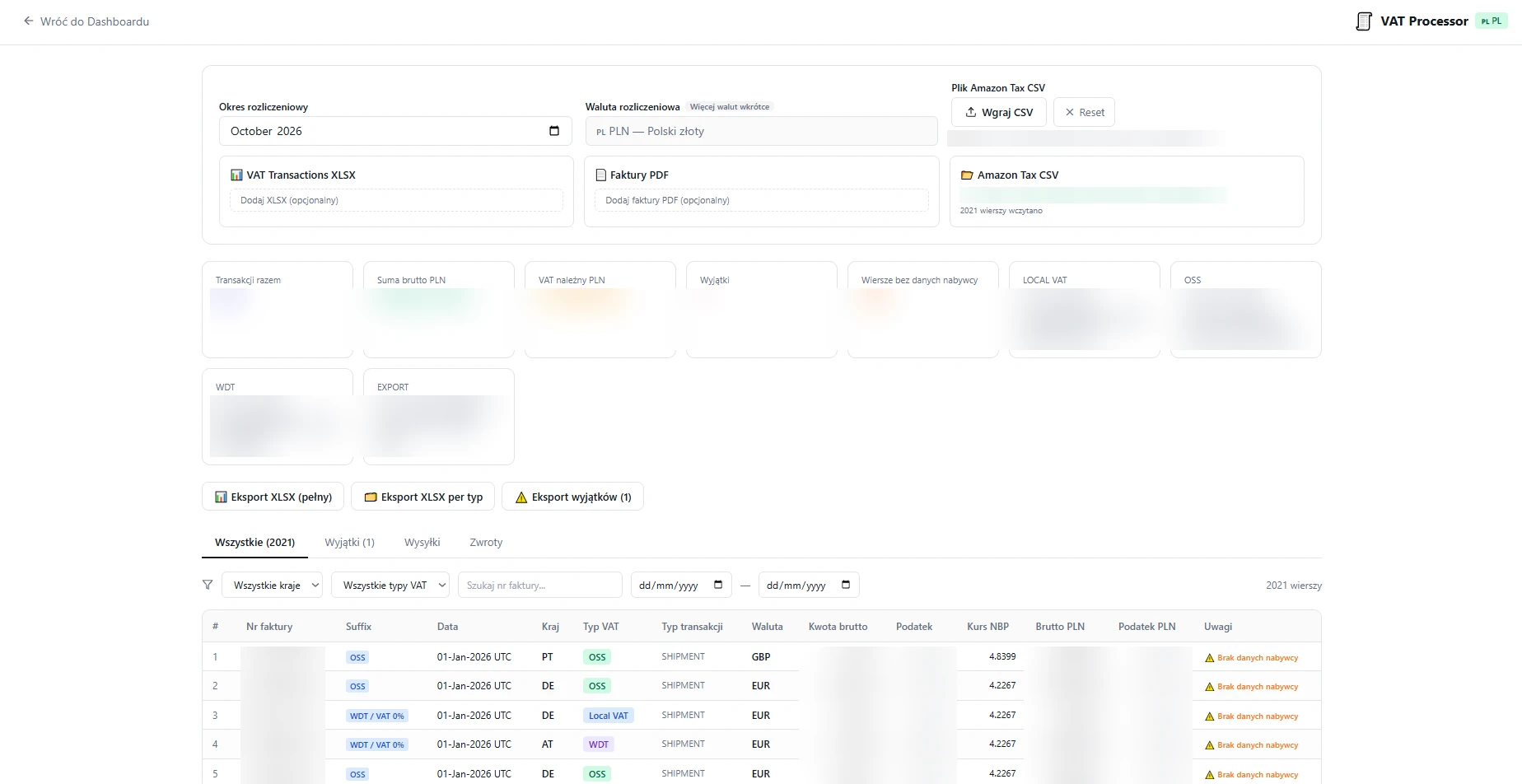
PDF matching and exceptions
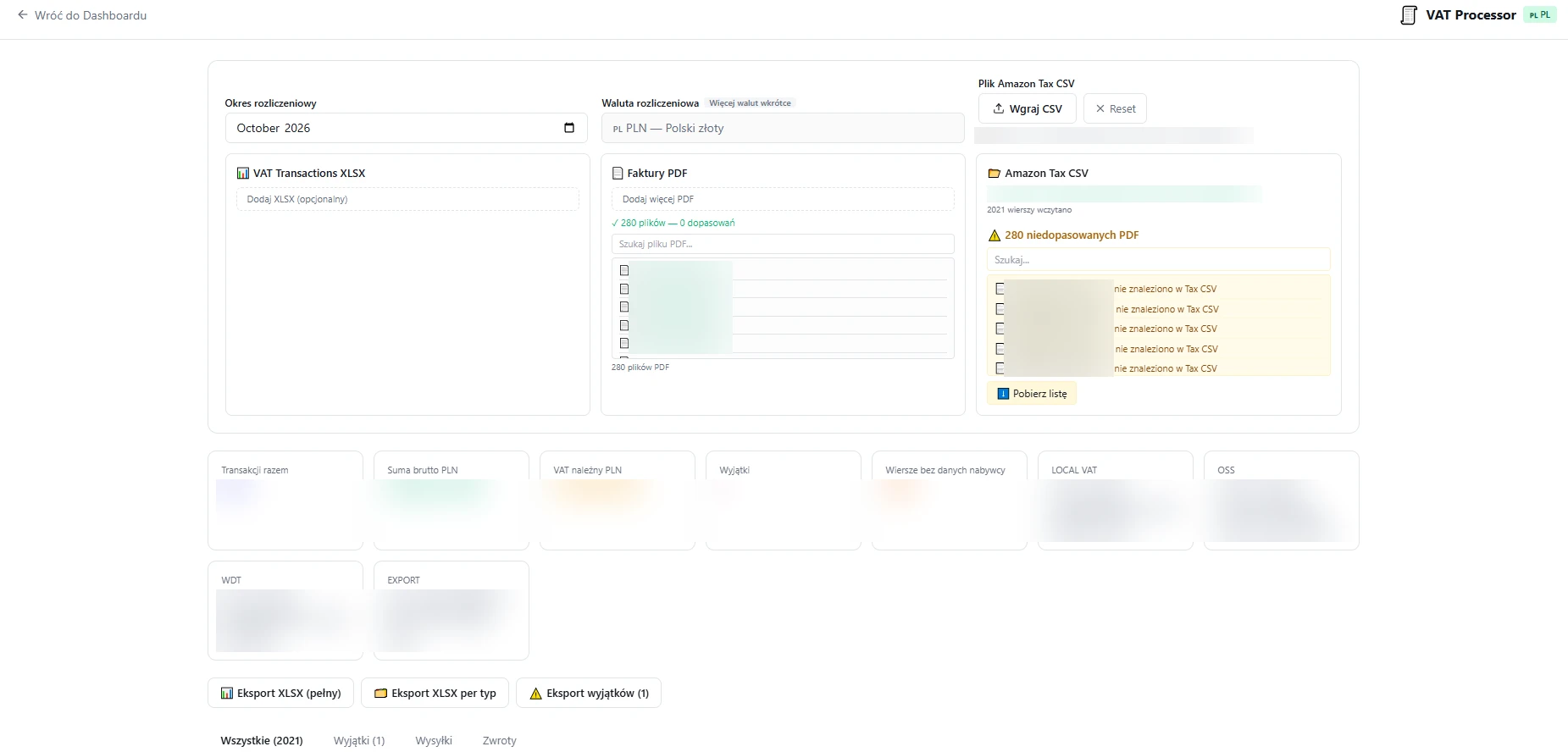
Classified results table
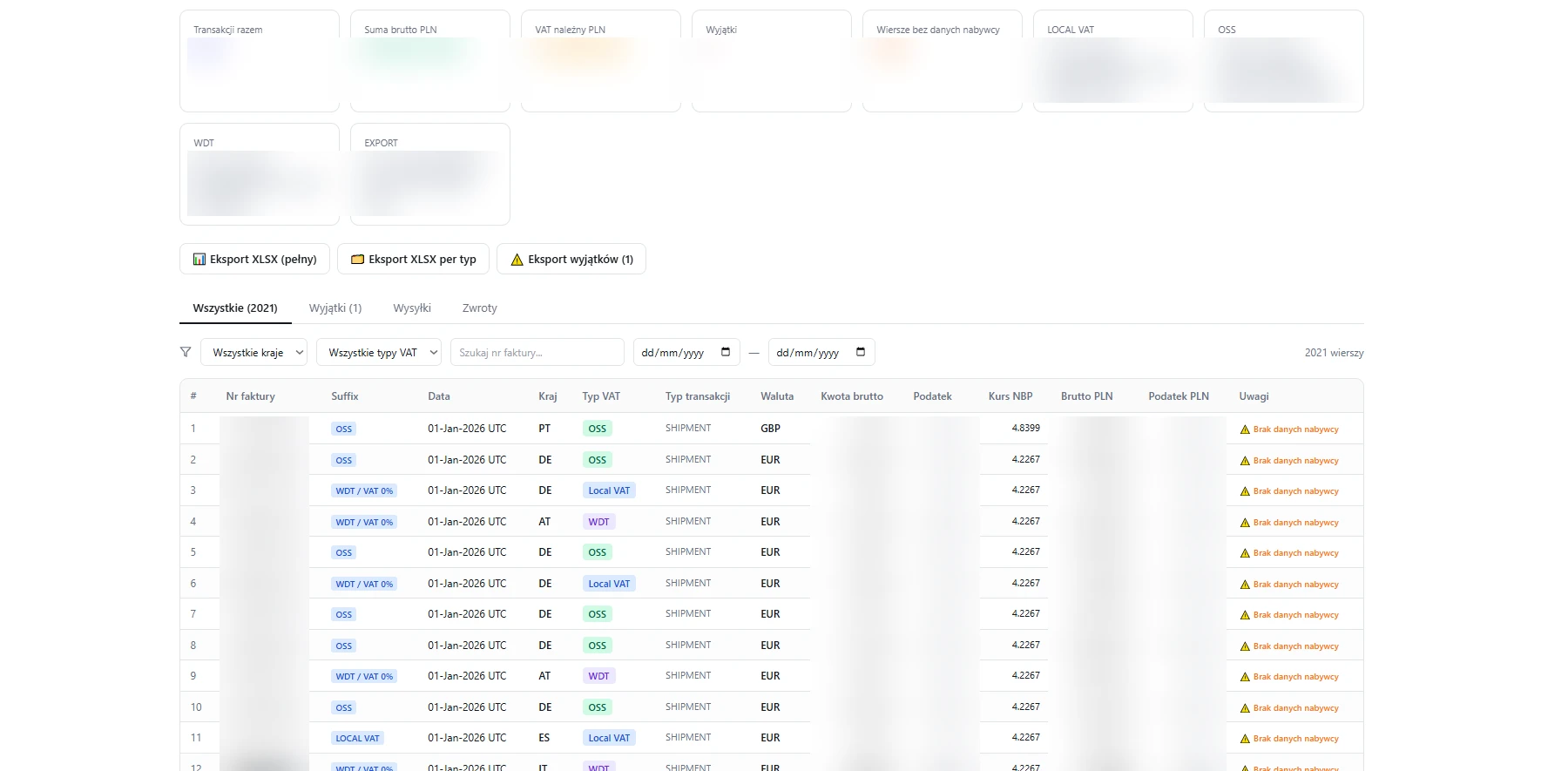
How VAT Processor works
- 1
Import Amazon CSV
The Amazon transaction report is the source of every figure, including VAT.
- 2
Match optional Excel/PDF
Extra data from Excel and text-based PDF invoices is matched to transactions.
- 3
NBP conversion and classification
Amounts are converted to PLN and sorted into OSS, WDT, export and local VAT.
- 4
Review exceptions
Missing data, discrepancies and possible VAT-rate issues are flagged for review.
- 5
Export Excel reports
Structured Excel reports and ZIP exports, organised by country and transaction type.
Rule-based automation. VAT Processor does not prepare or file tax declarations, and its results should be reviewed by an accountant.
What VAT Processor delivers
Organised reports
Excel and ZIP exports grouped by country and transaction type.
NBP conversion
Foreign-currency amounts converted to PLN with NBP exchange rates.
Exception list
Missing data, discrepancies and possible VAT-rate issues in one place.
Local processing
Documents are processed in the browser, not stored in a cloud database.
ANS News: AI-assisted Content Creation
ANS News is a publishing platform where users can create articles with AI assistance or write their own text. AI helps prepare a draft; the user reviews and approves it before anything is published.
This is where AI fits well: speeding up writing while a person keeps the final decision.
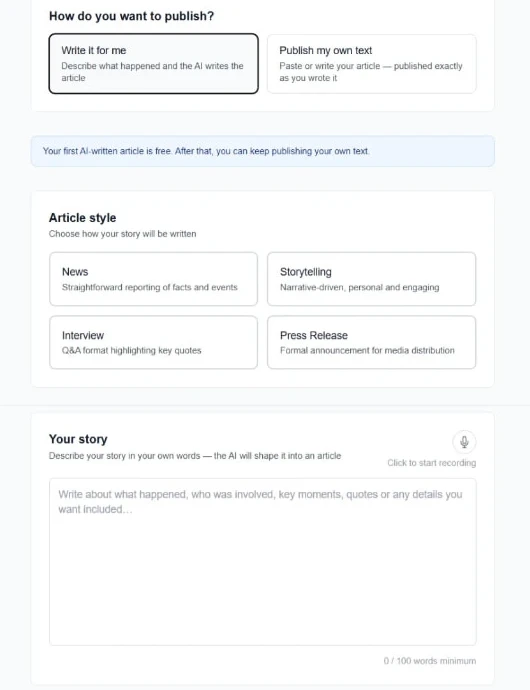
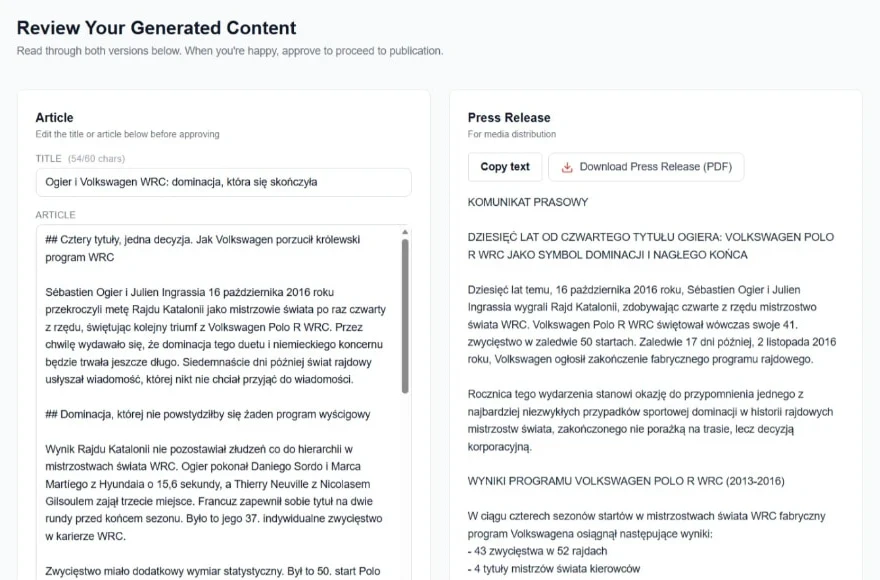
Create with AI, then review
The article creator in ANS News, where an AI-assisted draft is prepared before the user reviews and approves it.
Describe a story
Review and approve
How an ANS News article is created
- 1
Describe a story
The user describes what happened in their own words.
- 2
AI generates a draft
An article draft is written in the chosen style.
- 3
User reviews and edits
The title and text can be changed before approval.
- 4
Submit for publication
The approved article is submitted for publication.
BMS Garage: Business Workflow Automation
For Automatic Gearbox Southampton, customer enquiries arrive in a custom admin panel. From there, the team can manage enquiries and services and turn a completed job into a new case study on the website.
The workflow replaces scattered emails and manual page edits with one place to work.
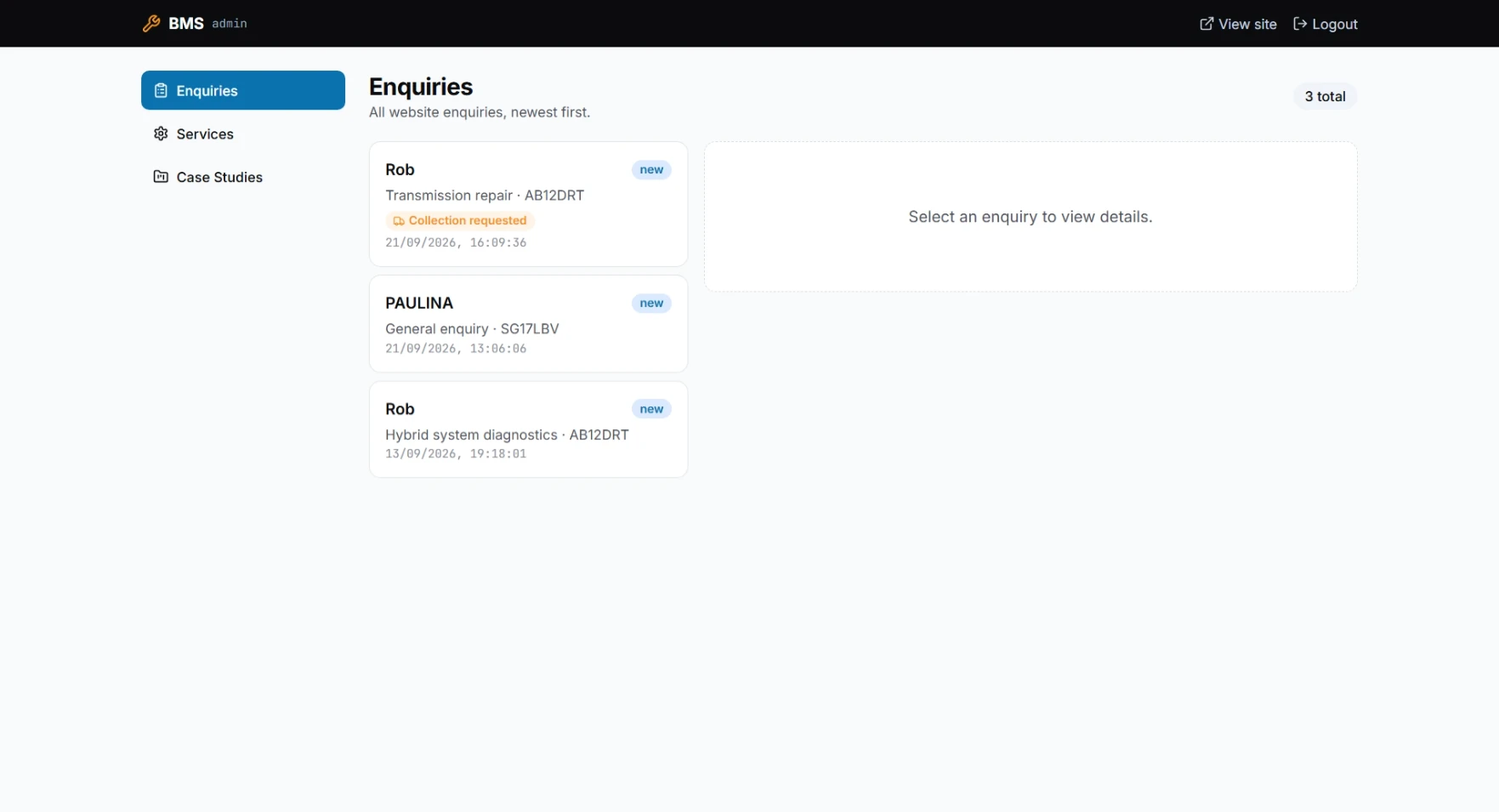
Enquiries in one admin panel
The enquiry list in the Automatic Gearbox Southampton admin panel, the starting point for follow-up and new case studies.
From enquiry to case study
- 1
Customer Enquiry
The enquiry arrives in the admin panel.
- 2
Admin Review
The team reviews the enquiry details.
- 3
Create Case Study
A completed job becomes a case study draft.
- 4
Publish Project Story
The story is published on the website.
Traditional business workflow automation — no generative AI involved.
Frequently asked questions
What can be automated in my business?
Usually the repetitive steps: importing and converting data, sorting records, preparing reports, routing enquiries and publishing content. We start by mapping your current process and picking the steps where automation saves the most time.
Do I need AI, or is rule-based automation enough?
It depends on the task. Clear, repeatable rules, like those in VAT Processor, work best without AI. AI helps with tasks such as drafting text, as in ANS News. I will recommend the simpler option whenever it does the job.
What happens to my data?
We agree this before building. Some tools, like VAT Processor, process documents locally in the browser without storing them in a cloud database. Where data must be stored, access is limited to authorised users.
How long does an automation project take?
It depends on the scope. A focused tool for one process takes less time than a system that connects several. You will get an estimate once we have mapped the process together.
Can automation work with the tools I already use?
Often, yes. Many tools can import exports from systems you already use, such as CSV or Excel files. Direct connections depend on what those systems allow, and we check this at the start.
Do you offer support after launch?
Yes. Rules, file formats and business needs change, and the tool can be adjusted and extended as they do. We agree the support arrangement before the project starts.
Have a process that takes too much time?
Tell me how it works today, and I will suggest where automation could help.
Describe your processRelated case studies
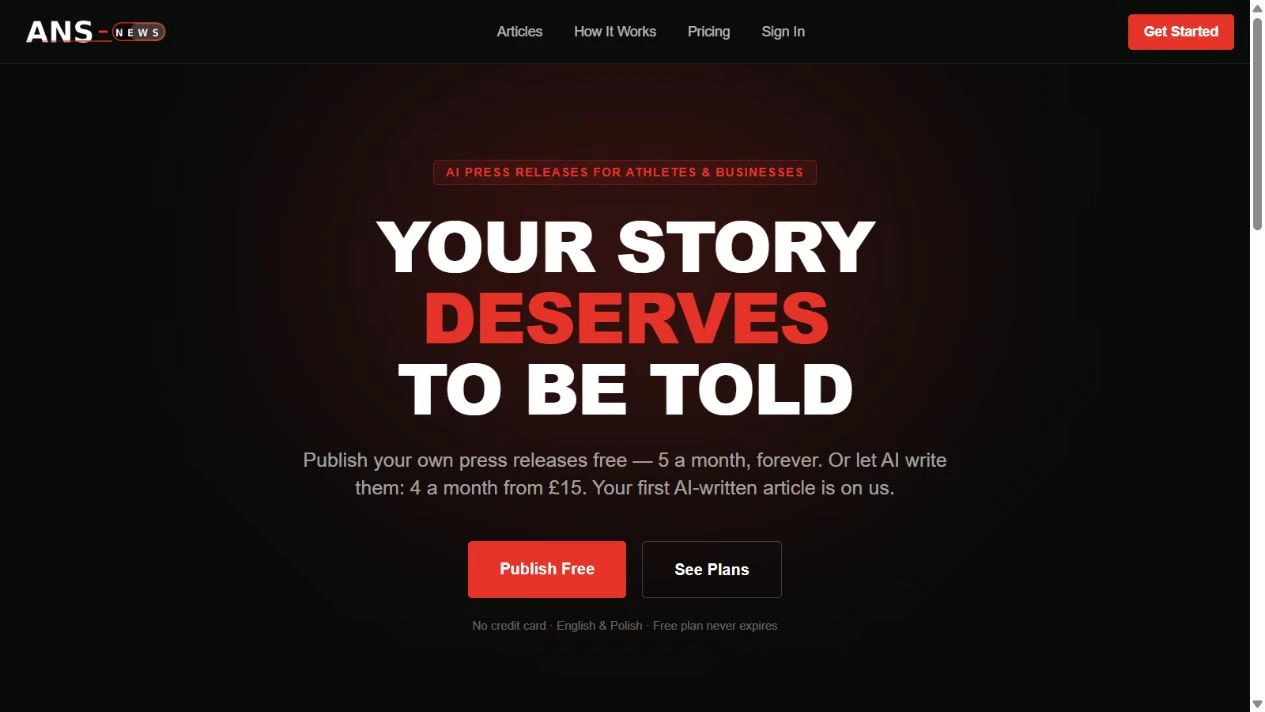
AI publishing platform
ANS News
A press-release publishing platform for athletes and businesses, combining public articles, AI-assisted writing, and a user dashboard for self-service publishing.
- AI Publishing
- Landing Page
- Conversion-focused
- Product Flow
- User Education
- Clear Messaging
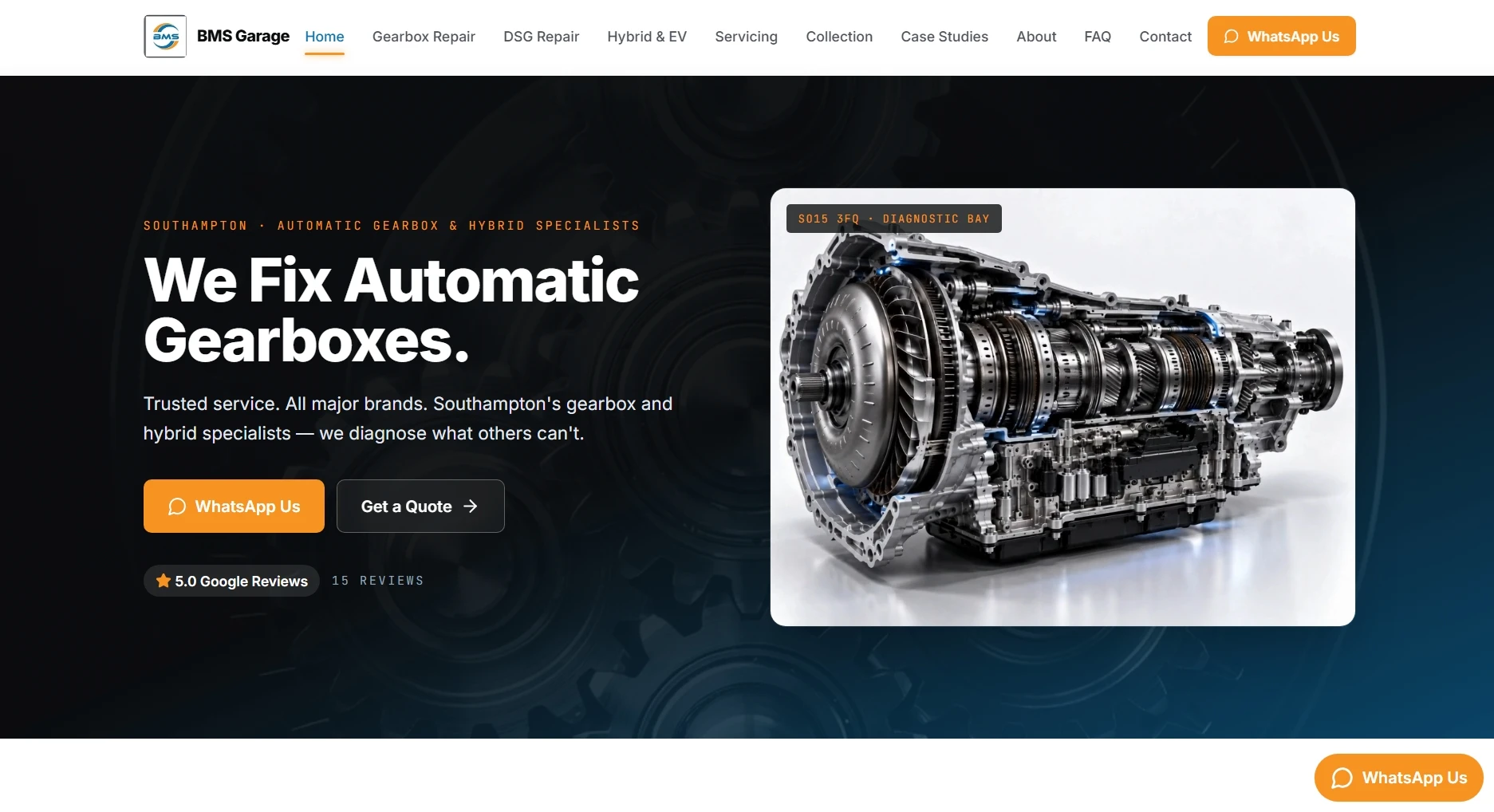
Lead-generation website & self-managed CMS
Automatic Gearbox Southampton
A lead-generation website and self-managed content system for a specialist automatic gearbox and hybrid garage. Enquiries, services and real repair case studies are managed from one admin panel, allowing the client to continuously grow the website and its search visibility without relying on a developer.
- Specialist Website
- Lead Generation
- Local SEO
- Service Architecture
- Conversion UX
- SEO Service Pages
Let's talk about your project
Tell me what you need and I'll come back with an honest next step.
Start a project